ChatGot Review: Free Multi-Model AI Chat With No Sign Up
ChatGot promises the works — 100+ AI models, PDF chat, AI slides, image generation — with the homepage headline "No sign-up needed, just start AI chatting." That's a big claim for a feature list this long, so I opened it in a fresh browser session and tried to actually use it without creating any account.
| Verdict | 8/10 — the most feature-packed no-signup chat we've tested |
|---|---|
| No sign up? | Yes — verified. Chat works immediately; login is optional. |
| Price | Free tier, no account needed |
| Best for | Trying many models free, PDF chat, quick AI images |
| Watch out for | Model availability rotates; free-tier limits aren't published |
What is ChatGot?
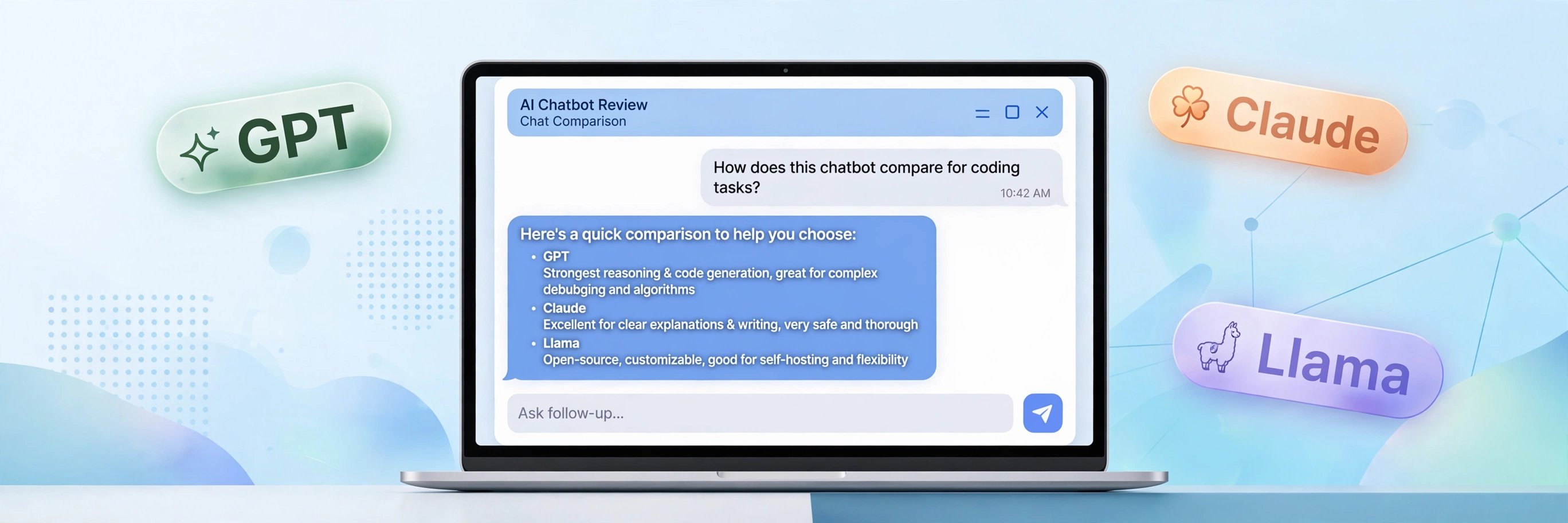
ChatGot (at chatgot.io) is a browser-based AI platform that bundles chat, document Q&A, presentation generation, translation, and image generation behind one interface. The headline feature is model choice: the site advertises 100+ AI models and 1000+ AI bots, with the model list including GPT-4/4o, Claude 3.5, Llama 3, DeepSeek R1, Mistral Large, and image models like Stable Diffusion 3 and DALL·E 3.
What makes it directory-worthy for us isn't the feature list — it's that the whole thing is usable without an account. Plenty of "all-in-one AI platforms" exist; almost all of them put the good stuff behind a signup wall. ChatGot doesn't, at least for the core chat.
How the no-signup part actually works
I verified this directly: opened the homepage, clicked "Start AI Chatting Now," landed on the chat interface, clicked a sample prompt card, and GPT-3.5 answered in full. No login popup, no email field, no API key request, no usage-counter warning at any point. The default model shown was GPT-4o mini, switchable from the model picker next to the input box.
There is a login system — clicking the avatar icon opens a "Sign in to Chatgot" dialog with Google and email options. But it's genuinely optional: I never touched it and everything I tested worked. Signing in presumably unlocks history sync and higher limits, but the anonymous experience is complete, not a teaser.
Which AI models can you use?
The advertised roster covers the names you'd expect: GPT-4/4o, Claude 3.5, Llama 3, DeepSeek R1, Mistral Large, plus image models (ChatGOT Imagen, Stable Diffusion 3, DALL·E 3). I confirmed GPT-3.5 and GPT-4o mini responding in the live interface; the full 100+ model claim I take at the site's word, since model availability on free aggregators rotates frequently.
Honest caveat: on free multi-model platforms, the frontier models are usually rate-limited or queued more aggressively than the smaller ones. If GPT-4o is slow at peak hours, the smaller models typically still respond fast. For casual questions this doesn't matter; for heavy daily use, expect the usual free-tier friction.
Beyond chat: PDF, slides, images
The sidebar lists Chat, Bots, Write, PDF, Slides, Imagen, and Translate. Chat-with-PDF and AI image generation are the two most useful extras — both are the kind of feature competitors usually gate behind accounts. I verified the chat path end to end; the auxiliary tools share the same no-signup session, though I didn't stress-test each one's free limits.
This is where ChatGot separates from single-purpose chats like Duck.ai: Duck.ai does one thing (private chat) extremely cleanly, while ChatGot does many things adequately. If you want a Swiss-army tool without accounts, ChatGot wins on breadth. If you want the cleanest private chat, Duck.ai still wins on focus.
Limits and catches
- Unpublished limits: the free tier's message caps aren't stated anywhere I could find. Expect throttling on popular models at peak times.
- Model rotation: the exact available models change over time — today's lineup isn't a contract.
- No history without login: like most no-signup tools, your chats don't follow you across devices unless you create the optional account.
- Ads and upsells: a free aggregator has to monetize somehow; expect prompts toward the paid tier, though I hit no hard paywall in testing.
Notice what's missing: no "3 free messages then register," no credit card, no API key. The limits are the honest kind — capacity, not conversion funnels.
FAQ
Is ChatGot really free with no sign up?
Yes — I verified it in a fresh browser session. Open chatgot.io, click through to chat, and you can start talking to the AI immediately. The login dialog only appears if you click the avatar; it's optional.
Which models does ChatGot offer?
The site lists GPT-4/4o, Claude 3.5, Llama 3, DeepSeek R1, Mistral Large, and image models including Stable Diffusion 3 and DALL·E 3, advertising 100+ models total. I confirmed GPT-3.5 and GPT-4o mini live; availability rotates.
ChatGot vs Duck.ai — which is better?
Different strengths. Duck.ai is the cleaner, more private single-purpose chat with anonymized prompts. ChatGot offers far more models and extra tools (PDF, slides, images) at the cost of a busier interface and less privacy emphasis. Try both — neither needs an account.
Can I use ChatGot on my phone?
Yes, it works in a mobile browser with no app install. This is exactly the tap-and-go use case.
Does ChatGot save my conversations?
Without an account, chats are session-based and don't sync anywhere. If you want history across devices, that's what the optional login is for.
Verdict
ChatGot is the broadest no-signup AI platform we've tested: real multi-model chat, PDF Q&A, slides, and image generation, all without handing over an email. It doesn't beat Duck.ai on privacy or simplicity, but nothing else in the directory gives you this many models for zero signup friction.
8/10. Bookmark it alongside Duck.ai — one for private chat, one for everything else. Browse the full no-signup directory here.
Tested 2026-10-19 · Providers change their signup policies — we re-verify regularly.