Free AI Resume Builder No Sign Up: 5 Tools Compared (2026)
The resume builder industry has a subscription problem. The free tier gives you a template and a watermark; the good themes are locked; downloading the actual PDF costs a weekly fee that bills monthly. This guide compares 5 resume builders whose free tiers are documented as usable without an account — so you can build and download a real resume right now, without surrendering your email first.
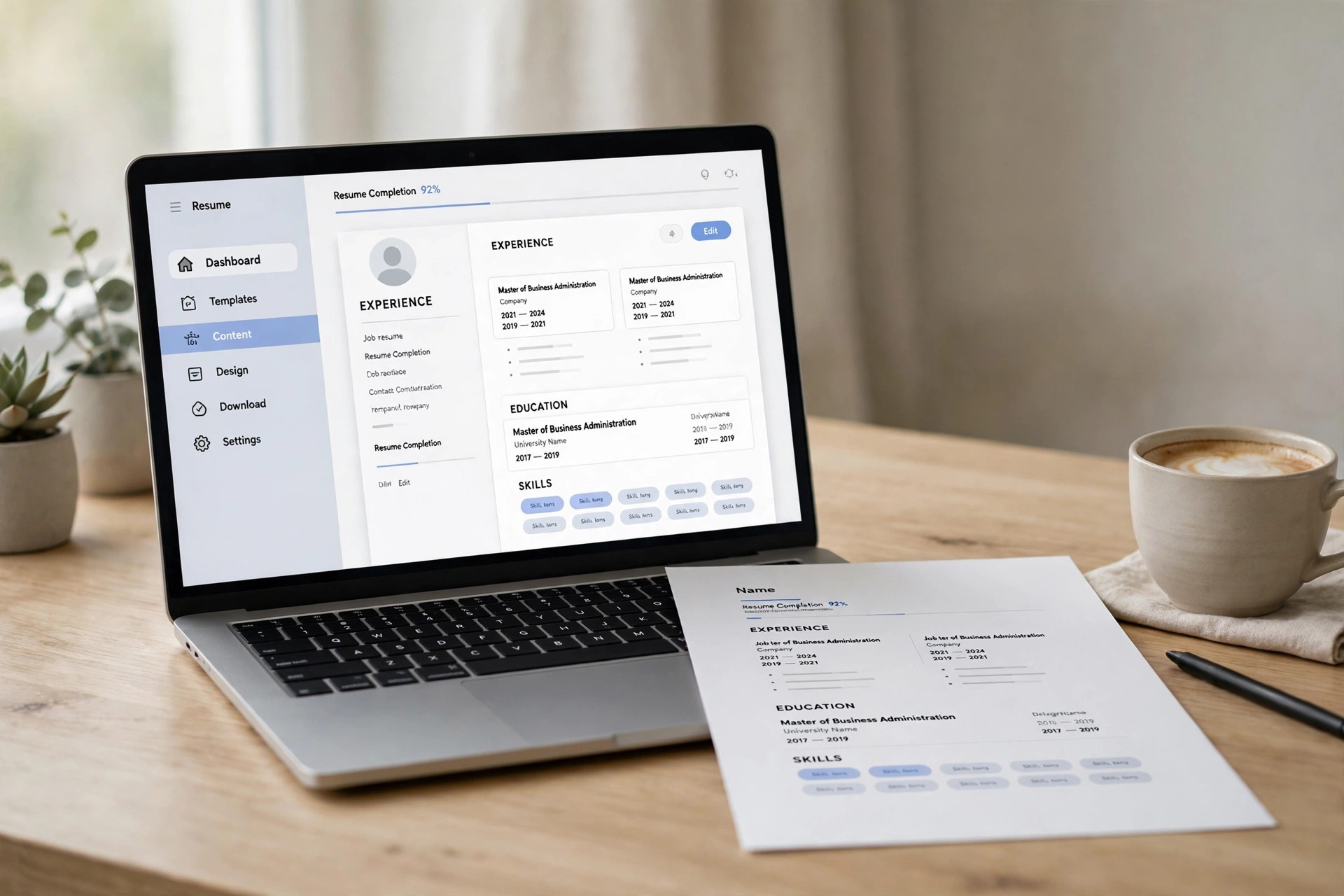
A note on method before we start: this comparison is built from each tool's official pricing pages, FAQs, and documentation as of October 2026, plus reputable third-party reviews — not from a one-afternoon hands-on session that would be stale by next quarter. Resume builder free tiers change often; where the official site is ambiguous, it's flagged rather than guessed. If a tool suddenly demands a login, its terms changed; the criteria below tell you what to check.
What to look for in a resume builder
Five things decide whether a "free" resume builder is actually useful:
ATS-friendliness. Around three-quarters of large employers filter applications through Applicant Tracking Systems before a human reads them. Single-column layouts, standard section headers, and selectable PDF text parse cleanly; fancy two-column designs with graphics often don't. A beautiful resume that the ATS can't read is a resume nobody sees.
PDF export without a paywall. This is where most "free" builders fail: they let you build the resume, then charge for the download — or stamp it with a watermark. A genuinely free builder gives you a clean PDF for nothing.
AI writing help. The newer builders offer AI assistance for the hardest part: turning "did stuff at work" into achievement bullets with numbers and action verbs. Some generate summaries, suggest skills, or tailor content to a job description.
Templates. One locked template is a red flag. Good free builders offer several professional designs with control over fonts, colors, and section order.
Privacy. Your resume contains your name, address, phone, and work history — the full identity-theft starter kit. Builders that run in your browser without an account are inherently safer than ones that store everything on their servers.
1. HireFlow — the ATS-first pick
HireFlow's free resume builder is documented as "No Signup Required" and "100% Free Forever," with an unusual focus: everything about it is engineered for applicant tracking systems rather than visual flair.
No-sign-up access: The builder page states no account is needed to create and download. You get an ATS-optimized single-column layout, AI writing assist for summaries and achievement bullets, and PDF or DOCX export with selectable text.
Best for: Applying through job portals (Workday, Greenhouse, Lever, Taleo) where the ATS reads your resume before any human does. The AI assist is genuinely useful for the tailoring step — paste a job description and it suggests content adjustments — which is the part most candidates skip and most hiring systems reward.
Watch out for: One locked design. If you want visual variety — multiple templates, creative layouts — this isn't it. HireFlow made a deliberate trade: one layout that parses everywhere, instead of ten that parse nowhere. For a designer or creative role where the resume itself is a portfolio piece, pair it with a design-forward tool below.
2. OpenResume — the privacy pick
OpenResume is an open-source resume builder whose entire pitch is privacy: the app runs locally in your browser, no sign-up is required, and no data ever leaves your machine. Its own documentation notes it works even if you disconnect from the internet after loading the page.
No-sign-up access: There is no account system at all — it's not a gated feature, it's an architectural choice. You build the resume, and the PDF generates client-side in real time as you type.
Best for: Anyone uncomfortable handing their full identity to a startup's database. The design follows U.S. resume best practices (single column, no photo, standard sections), it's ATS-friendly, and it can import an existing resume PDF to reformat it in seconds. Users report landing interviews at major tech companies with it — the design is proven, not experimental.
Watch out for: Deliberately opinionated: one design philosophy, U.S.-market conventions only, no photo option (intentional, to avoid bias). If you need a European-style CV with a photo and personal details, this isn't built for that. And being open-source means support is community-driven — fine for most, but there's no help desk. For more account-free AI tools in the same privacy spirit, our tested no-signup AI agents roundup covers chatbots and assistants that similarly ask for nothing upfront.
3. Adobe Express Resume Builder — the design pick
Adobe's Express resume builder brings the company's design DNA to the no-sign-up space: dozens of templates, full control over fonts, colors, and layouts — and its FAQ explicitly states it is "free to use with no sign-in or credit card required."
No-sign-up access: Per Adobe's own FAQ, you can create and customize resumes without signing in and without a credit card. You can also drag in an existing resume file and have its AI-powered formatting reorganize the content into a polished template.
Best for: Roles where visual presentation matters — design, marketing, media, communications. The template library is the deepest in this list by far, and the Express design tools let you fine-tune details other builders don't expose. If your resume needs to look like you understand design, start here.
Watch out for: Design freedom cuts both ways: it's easy to build something gorgeous that an ATS can't parse. If you're applying through portals, keep it to the simpler templates — save the creative layouts for direct email applications where a human opens the PDF. Adobe's ecosystem also nudges toward a Creative Cloud account for saving and syncing; the core builder works without it, but expect the upsell.
4. ResumeMakero — the simple pick
ResumeMakero is a straightforward free builder: no signup required, live preview as you type, multiple templates, and instant PDF or DOC download. No AI branding, no ecosystem — just a resume builder that works.
No-sign-up access: Documented as no-signup with instant download. You fill in the form, see the preview update live, reorder sections, customize fonts, and download — the whole flow is designed to take minutes.
Best for: Anyone who wants the shortest path from "I need a resume" to "here's the PDF." Custom sections (volunteering, certifications, achievements), reorderable blocks, and portfolio links that stay clickable in the exported PDF cover everything a standard application needs. Students and entry-level candidates who don't need AI writing help will find nothing missing.
Watch out for: No AI writing assistance — you're on your own for turning job duties into achievement bullets. And it's a smaller independent tool, so template polish won't match Adobe's library. If you can write your own bullets and just need clean formatting fast, that's a feature, not a bug.
5. FlowCV — the quality pick, with an honest catch
FlowCV was named WIRED's "Best Free Résumé Builder" in its 2026 test, and its free tier is genuinely generous: 50+ templates, unlimited watermark-free PDF downloads, full layout control, ATS-friendly exports. It's included here as the honest contrast — because the download that matters sits behind a free account wall.
No-sign-up access: You can start building without registering, but downloading the PDF requires a free account — multiple independent reviews confirm the account gate on download. The account itself costs nothing; it's an email-for-download trade, not a paywall.
Best for: Anyone willing to trade an email address for the best free builder in this list. The template quality, the import-from-PDF feature, and the ATS-safe exports are a step above the pure no-sign-up options. If you apply to multiple role types, note the free plan covers one resume — additional versions need a paid tier.
Watch out for: That account requirement is exactly what this roundup filters against, so go in with eyes open: it's free, but it's not no-sign-up. The AI writing assistance is also a paid feature. Treat FlowCV as the benchmark for what free builders can be — and if the email trade bothers you, the four tools above ask for nothing at all. Once your resume is a PDF, our free PDF summarizer roundup covers account-free tools for the other end of the document workflow.
Side-by-side comparison
| Tool | Truly no sign-up? | PDF export | AI writing help | Standout trait |
|---|---|---|---|---|
| HireFlow | Yes | Free PDF/DOCX | Yes — summaries, bullets, tailoring | ATS-first design |
| OpenResume | Yes | Free PDF | No | Open source, browser-local privacy |
| Adobe Express | Yes (per FAQ) | Free | AI-powered formatting | Deepest template library |
| ResumeMakero | Yes | Free PDF/DOC | No | Fastest simple flow |
| FlowCV | No — free account needed for download | Free (with account) | Paid only | WIRED's 2026 best free pick |
"Truly no sign-up" means the full build-and-download flow is documented as account-free. FlowCV is flagged because its PDF download requires a free account.
Which one should you actually use?
You're applying through job portals and want the ATS on your side: HireFlow. The single-minded ATS optimization plus AI tailoring assistance is exactly what portal applications reward.
Privacy matters and you don't want your data on someone's server: OpenResume. No account exists to be breached, the design is proven, and the PDF generates in your browser.
The resume needs to look designed (creative/marketing roles): Adobe Express. The template depth is unmatched here — just keep the layout ATS-safe if portals are involved.
You want the shortest path to a finished PDF: ResumeMakero. No AI, no ecosystem, no friction — type, preview, download.
You want the best free builder and don't mind a free account: FlowCV. It's the quality benchmark; the email trade is the only cost.
FAQ
Do I really need to worry about ATS?
If you're applying to mid-size or large companies through their portals, yes. The commonly cited figure is that around 75% of applications are filtered by ATS software before a recruiter sees them. Single-column layouts, standard headers ("Work Experience," not "My Journey"), and selectable text are the safe choices. Fancy multi-column designs with text boxes and graphics are the top cause of parse failures.
Why do resume builders ask for sign-up at all?
Three reasons: saving your work across sessions (a genuine convenience), upselling premium templates and AI features, and data — your resume is valuable training and marketing material. The build-and-download core is cheap to offer; everything around it is the business model. That's why this roundup focuses on the core: it's the part the honest tools give you free.
Can a free resume really compete with a paid one?
The resume's job is to get you past the ATS and earn a 30-second human skim. Content — quantified achievements, relevant keywords, clear structure — does that work; the builder just formats it. A free builder with strong content beats a $30/month builder with weak content every time. Spend your effort on the bullets, not the subscription.
Is it safe to put my personal data in an online resume builder?
Prefer builders that don't require accounts: no account means no database of your identity to breach. OpenResume goes further by never sending your data to a server at all. As a rule, never put your full street address, Social Security number, or other sensitive identifiers on a resume — city and state (or just city) is enough for applications.
Should I use AI to write my resume?
Use AI for structure and phrasing, not for facts. AI writing assist is excellent at turning "responsible for team" into "Led a 6-person team to ship X, improving Y by Z%" — once you supply the real numbers. What it can't do is invent your achievements; fabricated experience discovered in an interview or background check ends the process immediately. AI polishes the truth; it must never replace it.